Pleasant Grove Campus Room Setups
Click or tap a red-outlined room to view details. You can also select a room beneath the map.
Pleasant Grove Campus Assets & Services
Room Setups
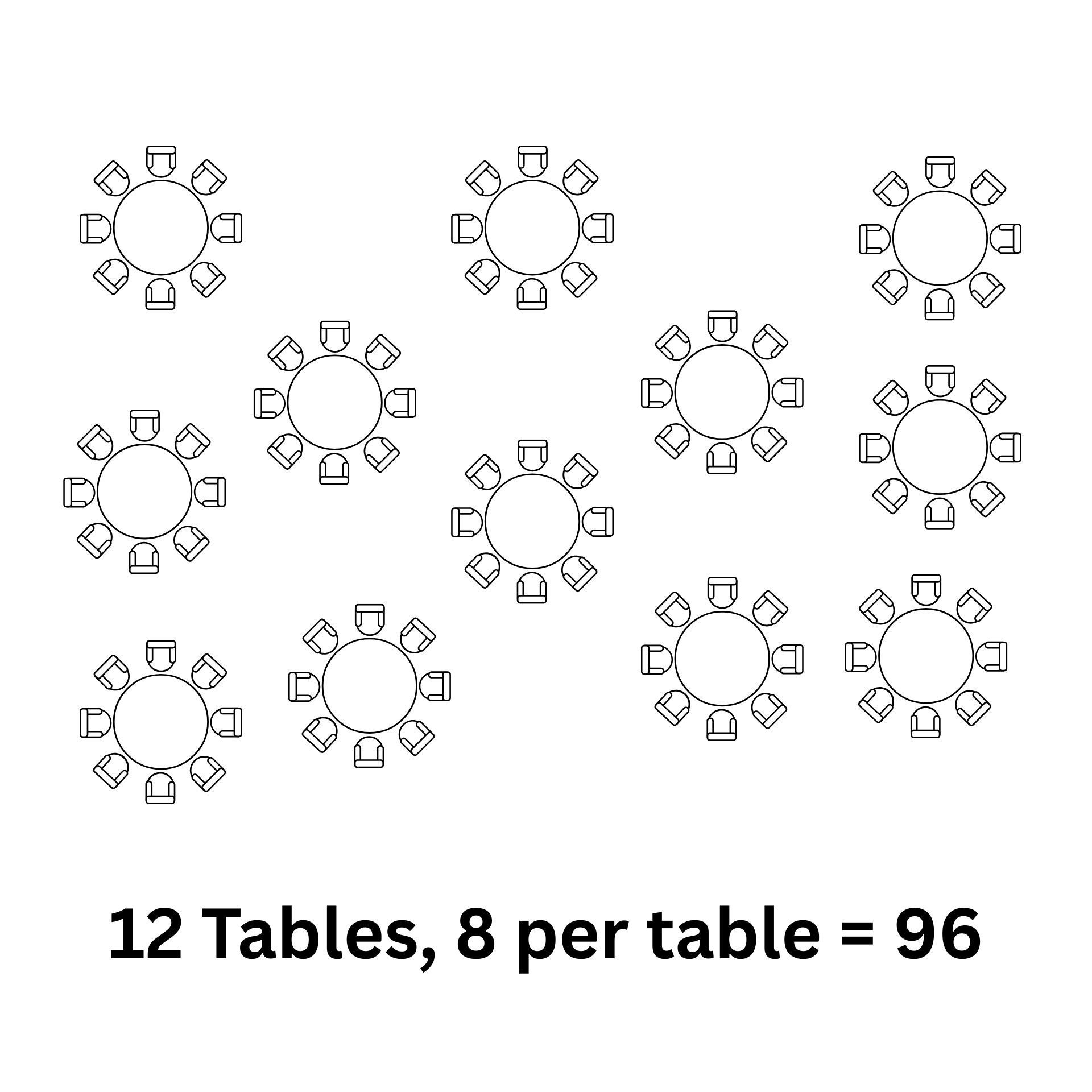
The map above shows rooms (outlined in red) that allow for different setups. The information provided is the maximum capacity for the room. Be sure to reduce the number of tables on a banquet setup if you do not want the full capacity setup. Each table gets 8 chairs. If you need something specific or non-standard, be sure to include a note on your event so the facilities team knows what you need setup.
As-Is Spaces

Spaces that are listed with an As-Is setup can be used however you would like. We will not provide support to arrange that space for you. It is your responsibility to adjust the room how you need is as well as return it to it's normal setup after use.
Coffee

You (or your volunteers) are responsible for coffee setups. Facilities is unable to manage coffee for ministry events. CLICK HERE to see a video on how to use the air pot brewers. This includes cleaning up after use.
TV Carts
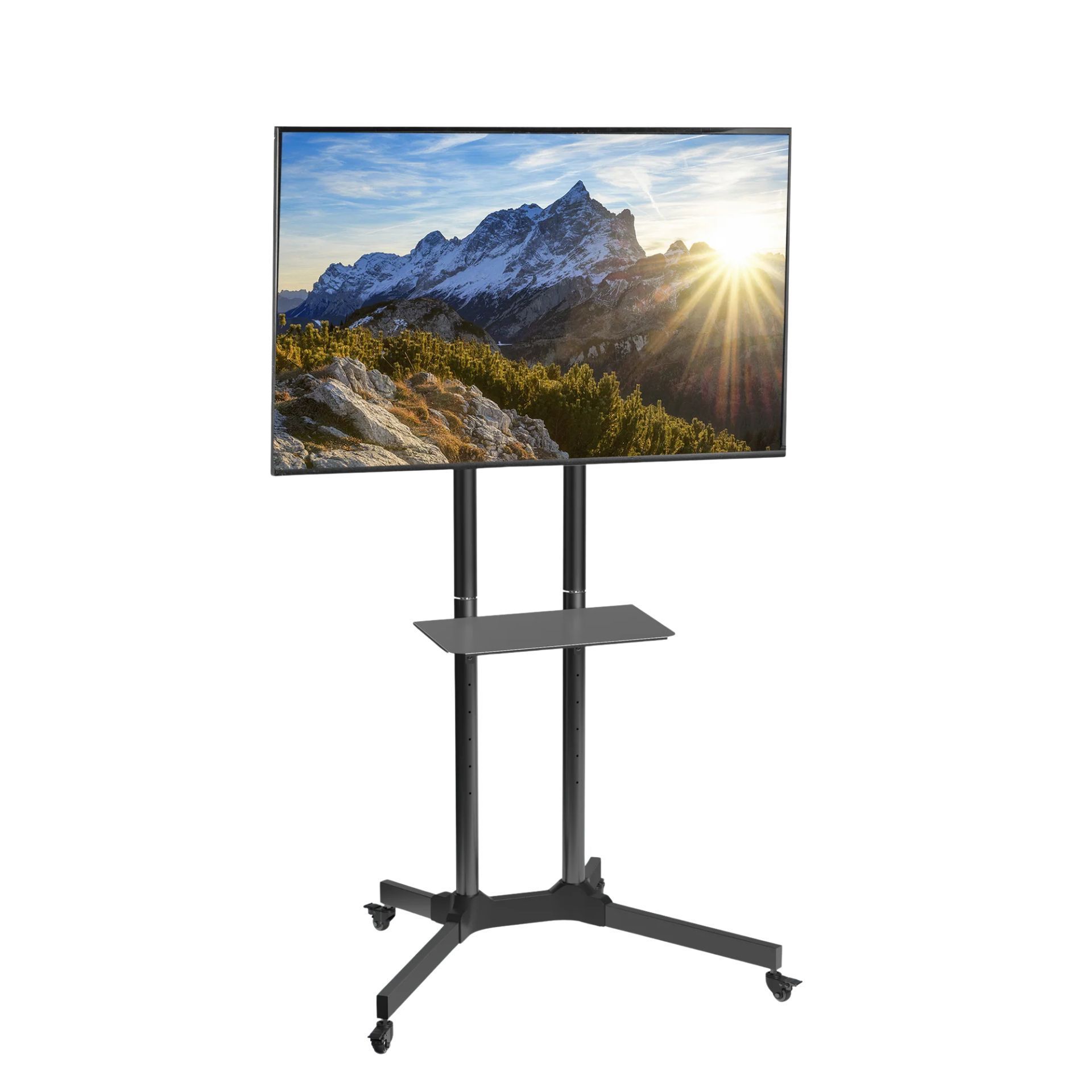
Most classrooms at our Pleasant Grove campus have TVs installed. These TV's will either have an AppleTV or a spare HDMI Cable for you to use. If you need a TV Cart, you are responsible for locating, moving, and returning the TV Cart after use. Carts are currently stored on the second floor of the E wing near the school office.
Door Access
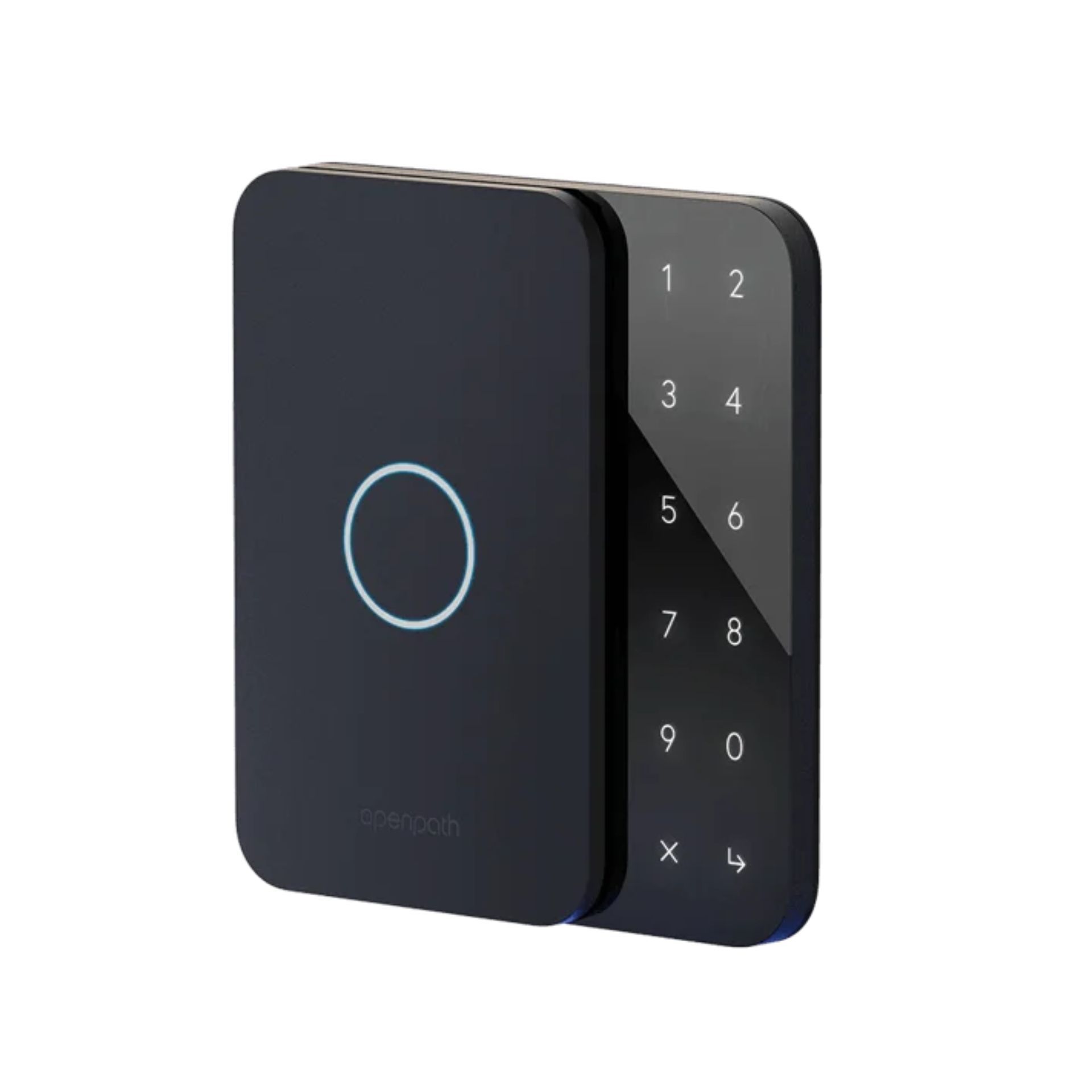
If you need door access, please add a note to the event request which doors you need open. Reminder, door 2 has an interior and exterior entry. If you need to get anywhere other than the A Wing, you need the door 2 interior entry opened as well. if you need a door that isn't listed on the Door Access (interior hallways or venues) map above, reach out to James Harding to communicate what your needs are. If your door access needs change after your event has been approved, please email James Harding to communicate the changes.
Media Support
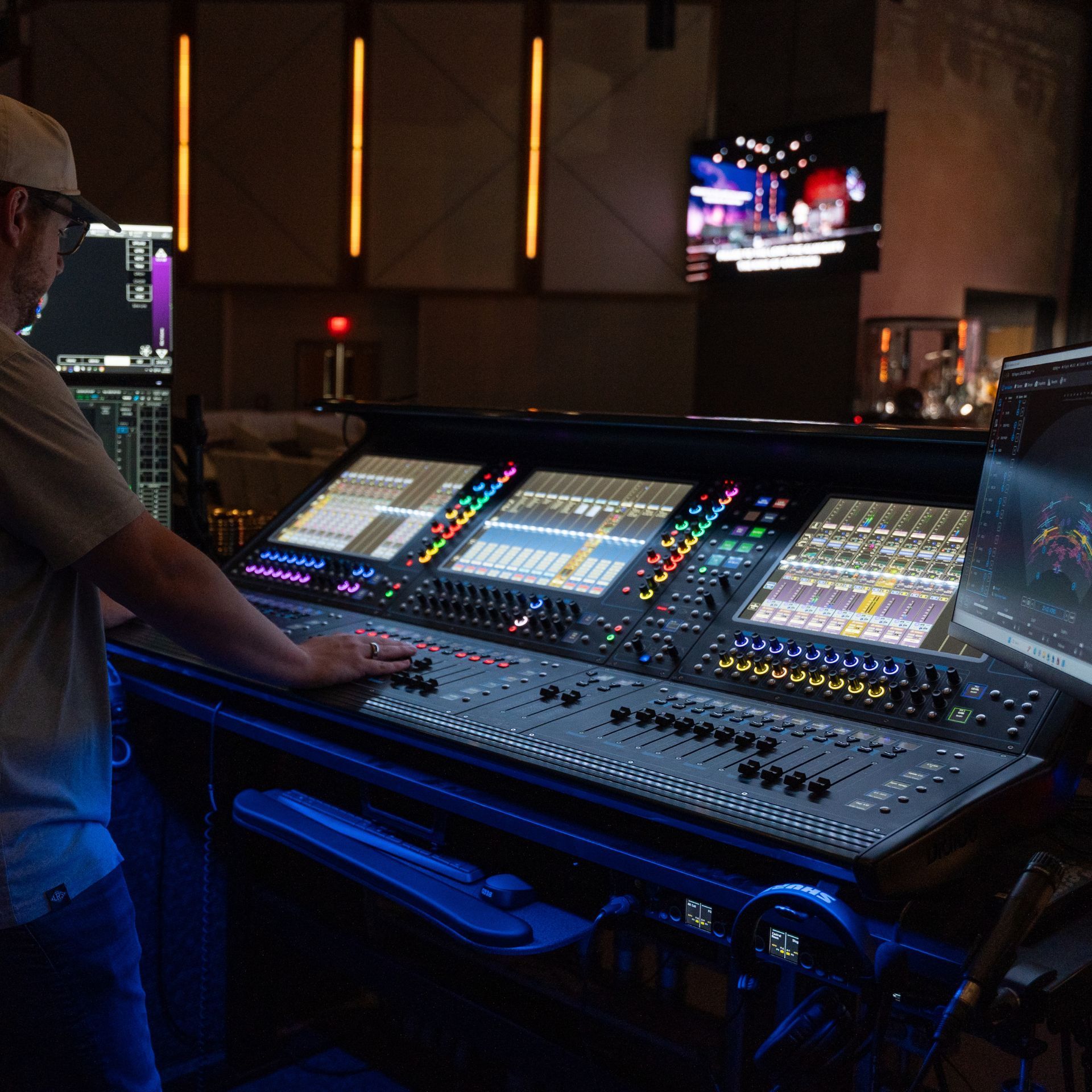
If you need media support, you need to email Bob Snell and David Bullard. If the media team isn't able to accommodate with existing staff hours, they will work with you to find a contractor that will fit within your budgetary needs. If you need the media team to help you with a video, you may access the Video Request form HERE.
Communications Support

The Communications Support in TouchPoint does not take the place of the Communications Request. It is simply a way to let the Communications Team know you will be requesting their assistance with your event. You can submit your Communications Request HERE.
Food Service

Food Service is available for church-wide events. Any event that is specific to your ministry needs to be handled by your ministry and paid for from your ministry budget.